Returns & Drop-Off
Amazon Returns Done Right: QR Codes, Labels & the Print Fee
How to drop an Amazon return at our Magnolia counter without getting sent home. Which QR codes we cannot take, and why.
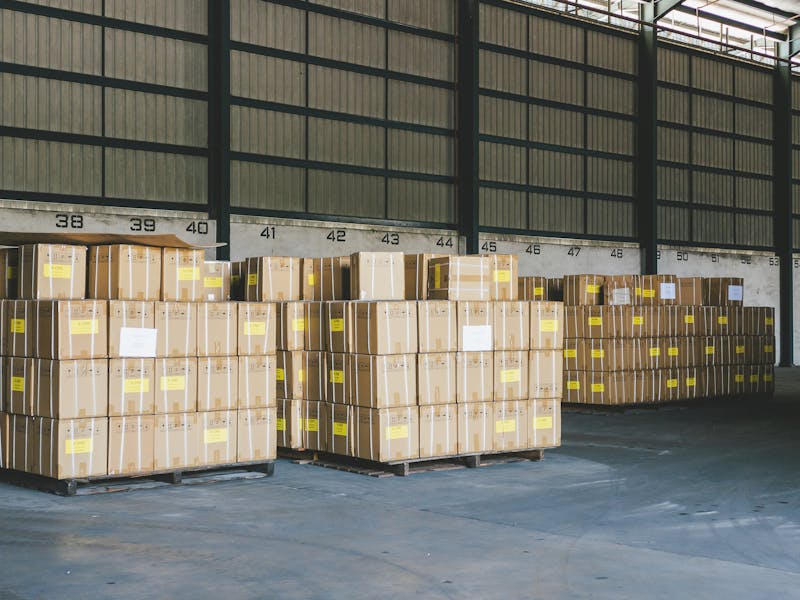
Roughly one in three packages crossing our counter on a busy week is an Amazon return. The good news is most of them take 30 seconds to drop off. The bad news is the small percentage that don’t, and the customer ends up driving back home for a printer or to a different store. Here’s how to skip the round trip.
We accept Amazon returns by carrier label
Amazon assigns one of several carriers to a return: USPS, UPS, FedEx, or sometimes a “QR code only” UPS Store drop-off. We can drop off any return that has a printable shipping label for USPS, UPS, FedEx, or DHL.
What we can’t accept is the UPS Store QR code flow. Those are routed by Amazon to a UPS Store specifically, and the only way to convert them into a usable label is in the Amazon return portal. Amazon will let you switch the return to a printable label, and from that point it’s a normal drop-off at our counter.
If you walk up with a phone QR code and you’re not sure which kind it is, no problem. Show us at the counter and we’ll tell you in 10 seconds whether you can drop with us or whether you need to switch the return type in the Amazon app.
How to switch a UPS-Store-only return to a printable label (60 seconds)
- Open the Amazon order in the Amazon app or on amazon.com.
- Tap Your Orders → the item → Return or replace items.
- Pick your reason for return.
- On the How to return screen, choose “UPS Drop-Off” instead of “UPS Store”, or choose USPS, FedEx, or any printable-label carrier Amazon offers you.
- Amazon emails you a printable PDF label.
Now it’s a regular drop-off. No QR code needed.
No printer at home? We charge $2 to print the label
If you’d rather just bring your stuff in and have us handle the rest, we can. We charge a flat $2 to pull up your Amazon return label and print it for you on our equipment. You forward us the email or pull it up on your phone, we print it, tape it on, and the return enters the carrier network the same day. That’s still cheaper than a stop at FedEx Office across town.
Box it or bag it?
Amazon now lets you skip the box on a lot of returns; they’ll take it loose with just the QR/label as long as the carrier accepts it. For things that aren’t fragile (clothes, soft goods, sealed accessories), this is fine. For anything fragile, electronic, or worth more than ~$50, we strongly recommend boxing it. The carrier will deliver an unboxed item, but if it gets damaged, the claim is hard to win because the manufacturer’s retail packaging wasn’t designed to be the outer container. If you don’t have a box, we sell them.
What to expect at the counter
If your label is already printed and taped to the package: walk in, hand it across, get your drop-off receipt with a tracking number, and you’re back on the road. Most drop-offs take under a minute. We scan every drop-off into our system so there’s a paper trail if Amazon claims they didn’t receive it.
The fine print on the print fee
The $2 printing fee covers the label only. Custom packing, supplies, and any non-Amazon services are extra and quoted at the counter. We don’t charge a “drop-off fee” or a “service fee” on Amazon returns themselves, only the print fee if we’re printing the label for you.
Where to find us
The Shipping Place — 9311 FM 1488 RD, Suite 30, Magnolia, TX 77354 936-444-9711 · Mon–Fri 9–6 · Sat 10–4 A few minutes from Tomball, Spring, The Woodlands, Pinehurst, and Conroe.
Topics
- Amazon returns
- package drop off
- Magnolia TX
- small business shipping
Stop in or give us a call
9311 FM 1488 RD, Suite 30, Magnolia, TX 77354 · Mon–Fri 9–6 · Sat 10–4